See what you're hearing.

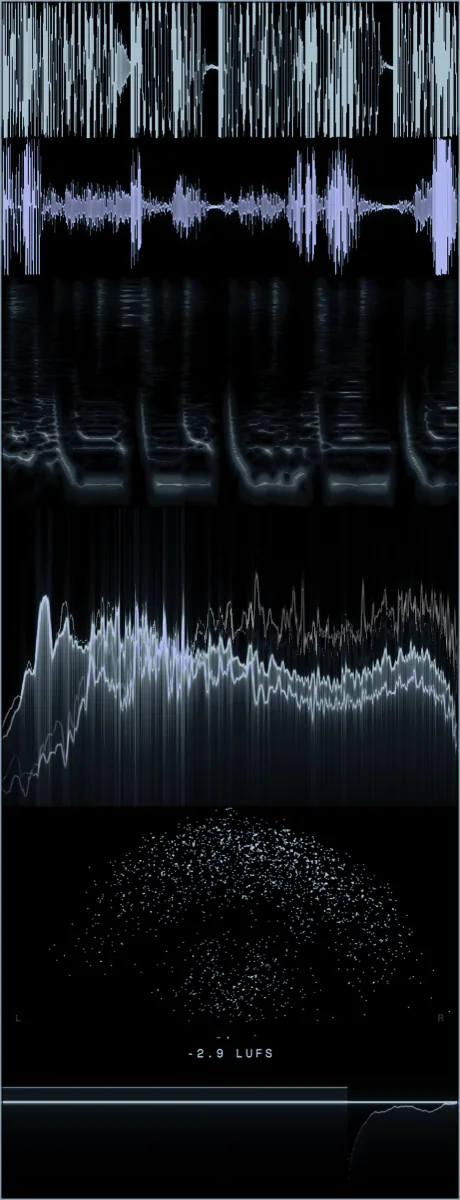
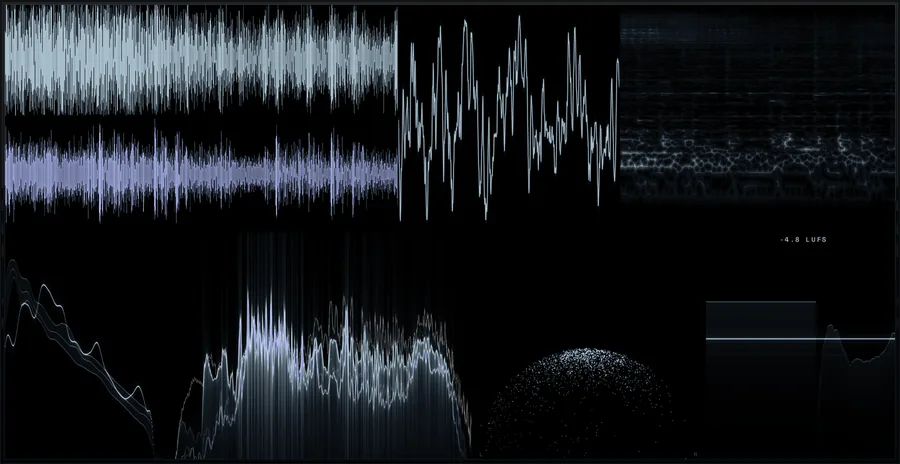
A free visualiser for macOS and Windows. Seven modules drawn on the graphics card, in a window you shape yourself, and every one of them reads as music.
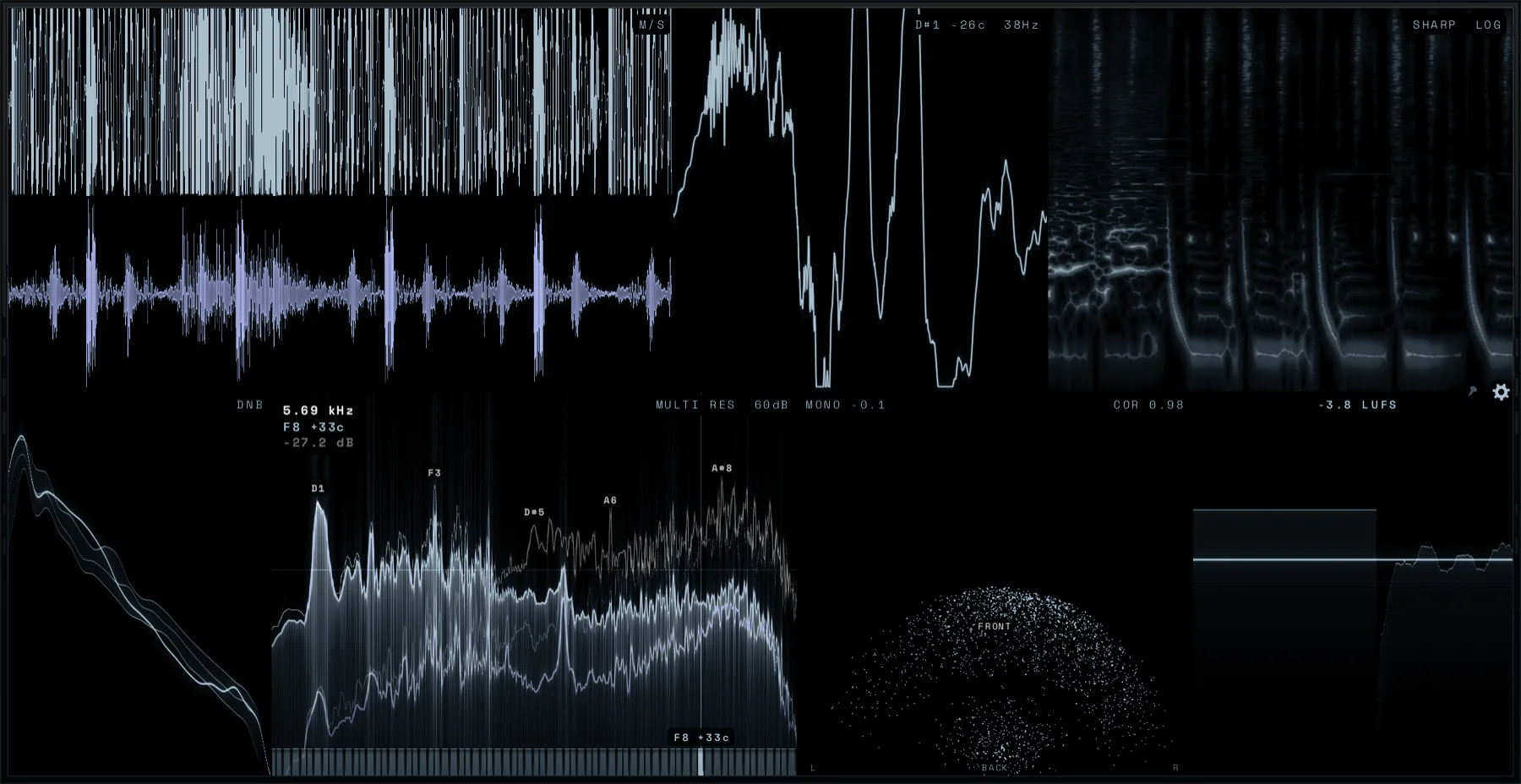
Hover a spectrum and AURA tells you what is under the pointer: the frequency, the note and how many cents it is off, the level, and the loudest partials by name. A keyboard runs along the bottom, so the axis reads as music rather than as numbers.
Hold Shift and that band is soloed. You hear the frequency you are looking at, while your DAW keeps focus.
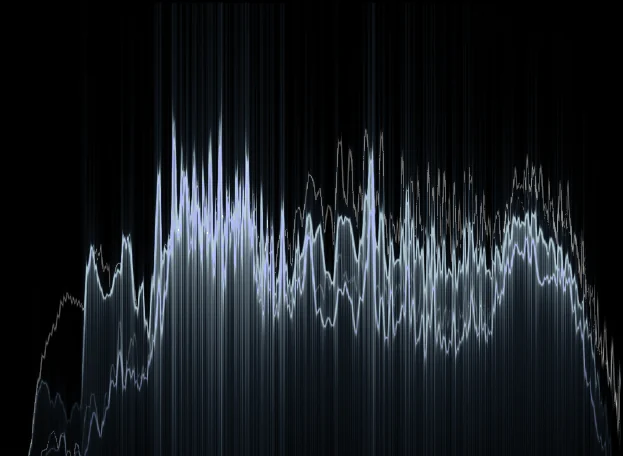
Balance draws your mix against the long-term average of real, mastered records: 168 tracks across eleven genres. The band around each line is how far those records spread, narrow where a genre is strict and wide where it is not.
Or point it at a folder of your own references, and the target is the sound you are actually going for.
Use all seven or two of them, in any order, and load the same one twice if you want a second view of it. Pick one to see where it sits.
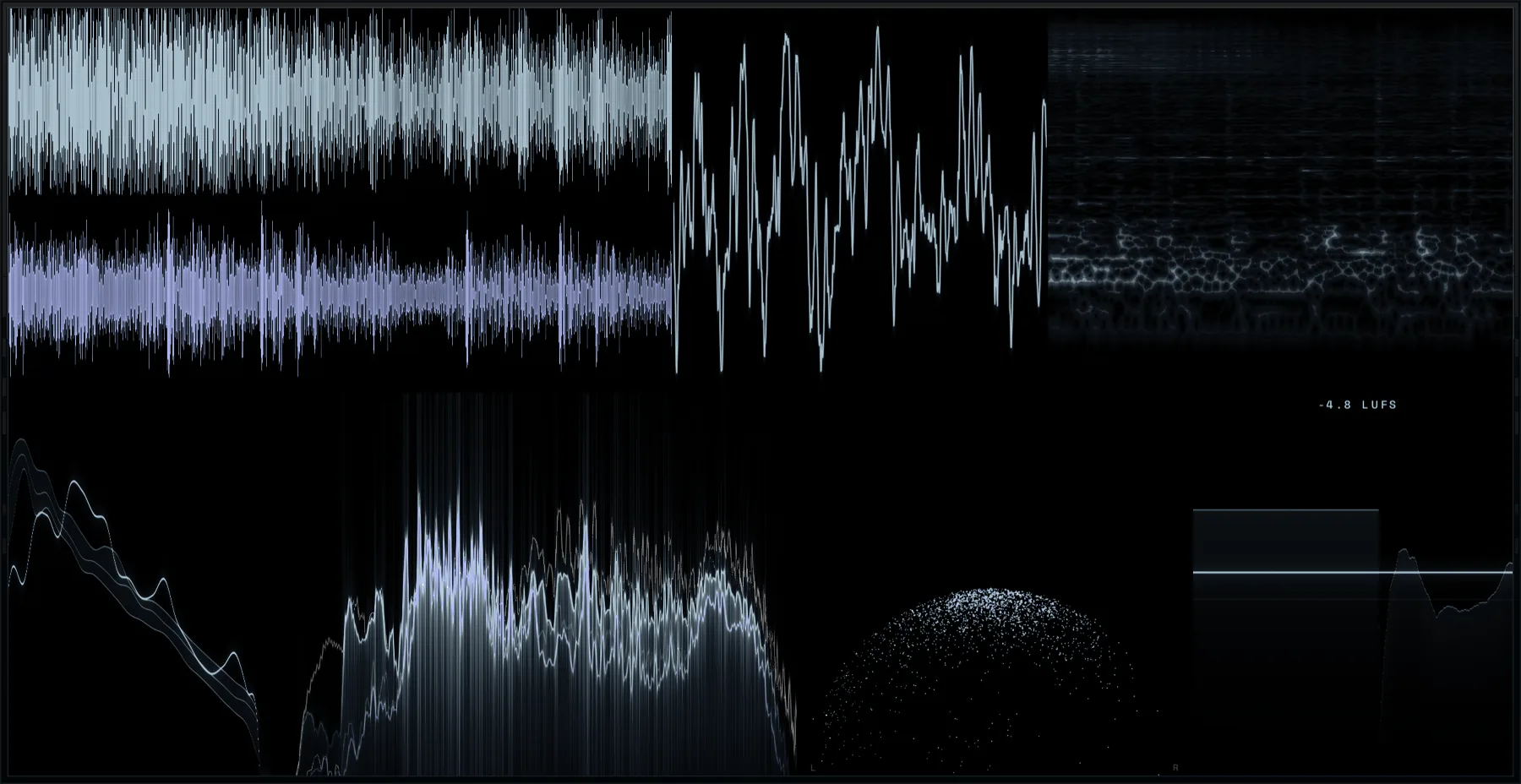
Pause the waveform and it holds still. Drag across it to mark a span and AURA reads it back in milliseconds, in samples, as a frequency, and in beats with the nearest note value. The wheel zooms in where the pointer is, down to a fraction of a column per pixel.
Turn Sync on and the waveform stops scrolling past you. It stands still while a cursor sweeps across it in time with your DAW, from a single 1/128 note to 32 bars. Late audio gets an offset in milliseconds, or AURA measures the lag while the host plays.
AURA opens as a window in the middle of your screen, the modules in two rows. From there it is yours: stand it on end, give it four rows, dock it to an edge of any display, or let single modules out into windows of their own.
Pick the dark end of the ramp, the hot end, and the colour the second channel leans toward, so mid and side stay apart where they cross. Every module follows, down to the keyboard. Or start from one of twenty-one palettes. AURA opens in Arctic.
AURA is an app, and AURA Send is the plugin that feeds it. On the audio thread the plugin does one thing: it copies the audio into shared memory. No DSP, no locks, and it never waits for the app. If AURA falls behind, it jumps to the newest audio instead of holding up your session.
AURA Send on any track or bus, as many as eight at once.
Eight slots. One copy per block from each send, and nothing else.
Every measurement on a thread of its own. The frame loop does no DSP.
Drawn by the graphics card, up to 120 frames a second.
Put a send on every bus you care about and switch between them while you work, without touching the routing.
Feed the send's sidechain and that second signal is drawn as a ghost over the waveform, so you see the ducking as well as hear it.
Watch the computer's own output, or pick one audio input this machine has, an interface or a loopback driver, and AURA meters that and nothing else.
AURA runs as its own app, so closing it, or it crashing, cannot take your session down with it.
And there is a game in here somewhere. We are not telling you where.
Everyone should be able to see what they are doing, whatever the budget looks like this month. So AURA is free, for good. And since seeing what you are hearing is the quickest way to understand it, it belongs in a classroom just as much as in a studio.
The rest of the plugins are what pay for it. If you would rather support this one directly, that is what the button is for.
 macOS
 Windows