AURA
See what you're hearing.
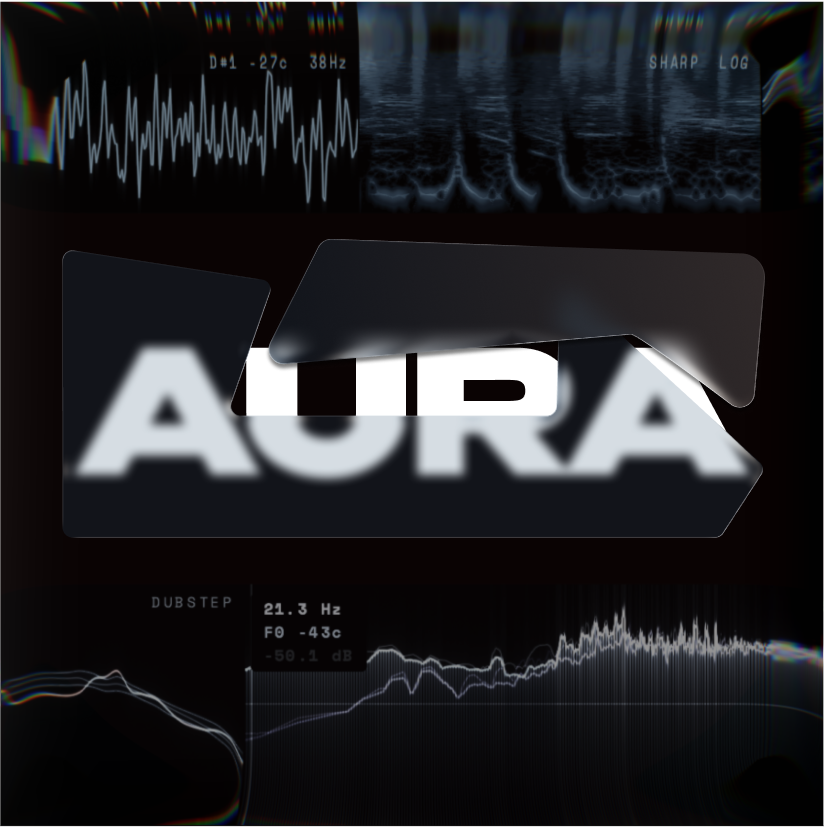
Docked to the top edge of your screen, over your DAW, your browser, anything. It stays there even when the DAW is in the background, unless you ask it to come and go with one app.
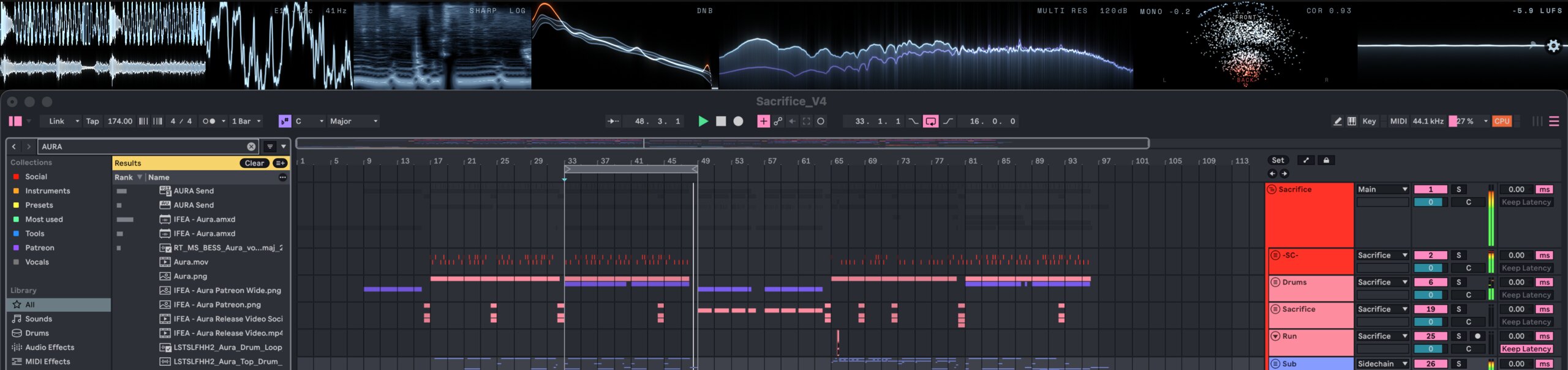
Any of the seven, in any order, at any width.
 WAVEFORM
Two lanes, mid/side or L/R. The colour follows brightness.
 OSCILLOSCOPE
Phase-locked to the fundamental, so the trace stands still.
 SPECTROGRAM
Mel, log or linear. Classic, or reassigned for a sharper image.
 SPECTRUM
FFT up to 32768, with tilt, smoothing and peak hold.
 STEREO
Point cloud and correlation meter. Delay-aware, so binaural width reads true.
 LOUDNESS
BS.1770-4 short-term, momentary and integrated.
 BALANCE
Your mix against 11 genre curves, or against your own reference.
The waveform keeps the last 30 seconds rolling, up to five minutes. Grab the handle and drag it straight into your DAW as a WAV.
Press pause and the waveform stops, and so does the audio under it. Drag across the picture to mark a span and the corner reads it back in milliseconds, in samples, as a frequency, and in beats with the nearest note value. Nothing is scrolling away while you work out what you are looking at.
The wheel goes in where the pointer is and a swipe moves along, down to a fraction of a column per pixel. Put it on the transient and the transient stays put.
The file you get is the span you picked, not the whole capture. Top and tail already done.
Turn Sync on and the waveform stops scrolling past you. It stands still while a cursor sweeps across it in time with the bars in your DAW, so whatever happens on the beat happens in the same spot every time round. With no host to follow, it free-runs at its own pace.
Set the window to a single 1/128 note and one hit fills the module, or to 32 bars and the whole section does. The grid rules the real beats over the top and works out its own divisions to suit.
Audio that reaches AURA late sits behind the beat. Give that waveform an offset in milliseconds and the grid moves across to meet it, or let AURA measure the lag while the host plays and take the number it offers.
Everyone should be able to see what they are doing, whatever the budget looks like this month. So AURA is free, for good. And since seeing what you are hearing is the quickest way to understand it, it belongs in a classroom just as much as in a studio.
The rest of the plugins are what pay for it. If you would rather support this one directly, that is what the button is for.
No dialogs, no coordinate boxes. Grab AURA anywhere to move it, hold a module to slide it into another slot, and pull the line between two of them to decide who gets the width. The settings panel can reorder them too, if you would rather do it from a list.
Click anywhere on the strip and drag. It goes where you put it.
Hold a module, then slide it into the slot you want.
Drag a divider for width, the bottom edge for height.
Turn the opacity down and AURA fades into whatever is behind it, still readable, no longer in the way. Turn it back up when you need the detail.
Twenty-one palettes, and every module takes the one you pick, labels and readouts included. Arctic is the house look. The rest run from Ember and Amber through Toxic and Plasma, out to Blood, Lavender and Afterlife.
How much bloom sits around the bright peaks. Clinical and flat, a proper haze, or anywhere between.
Save a whole setup and switch to it in one click. Loud and wide for a social clip, plain and dense for mixing. Each is a small file, so you can send someone yours.
Shift-hover anywhere on the spectrum and that band is soloed. You hear exactly the frequency you are looking at, while the DAW keeps focus.
Any module becomes its own window, as big as you want it. Put the spectrogram on a second screen and leave the rest up top.
Point it at your computer's own output and watch Spotify or a browser, with nothing routed anywhere.
Run a send on the master, the drum bus and the vocal at once, and switch between them freely.
There is a game in here somewhere. We are not going to tell you where.
The send takes a sidechain input as well, and that second signal is drawn as a ghost over the source. Line a vocal up against the kick that is ducking it and see both in the same picture.
Load the same module twice and the second one is a proper second: its own picture, its own settings, its own view. Run one live and keep the other paused beside it.
Minimise the strip and the windows you have pulled out stay exactly where they are. A button on any one of them puts the strip back.
Pair AURA with one application and the strip hides while anything else is in front. Bring that app back and AURA is there with it.
 macOS
macOS Windows